Why Most Beginners Start With Blogger
Most beginners start with Blogger because it is free. When someone does not have a budget, buying hosting and a domain feels risky. Blogger is easy to set up, and you don’t need technical knowledge.
But after some time, many bloggers face problems:
-
Limited control over SEO
-
Basic design customization
-
Slow performance in some cases
-
Difficulty scaling the website
-
AdSense approval delays due to low-quality structure
That’s why many serious bloggers eventually move to WordPress with custom hosting.
I also started from Blogger 8 years ago. I struggled with speed issues, indexing problems, and AdSense rejections. Over time, I realized one thing clearly:
Hosting is the foundation of your blog.
If hosting is slow, your website will be slow.
If your website is slow, users leave.
If users leave, rankings drop.
If rankings drop, AdSense becomes difficult.
Why Hosting Matters for AdSense and SEO
Good hosting directly affects:
-
Page speed
-
Server response time
-
Uptime
-
Core Web Vitals
-
Crawlability
-
User experience
If your hosting is unstable, even good content will struggle.
However, hosting alone does not guarantee AdSense approval. You must also fulfill:
-
Original content
-
Privacy Policy
-
About & Contact pages
-
Clean navigation
-
No policy violations
Hosting supports the process — it does not replace quality work.
Hosting I Personally Use (Honest Opinion)
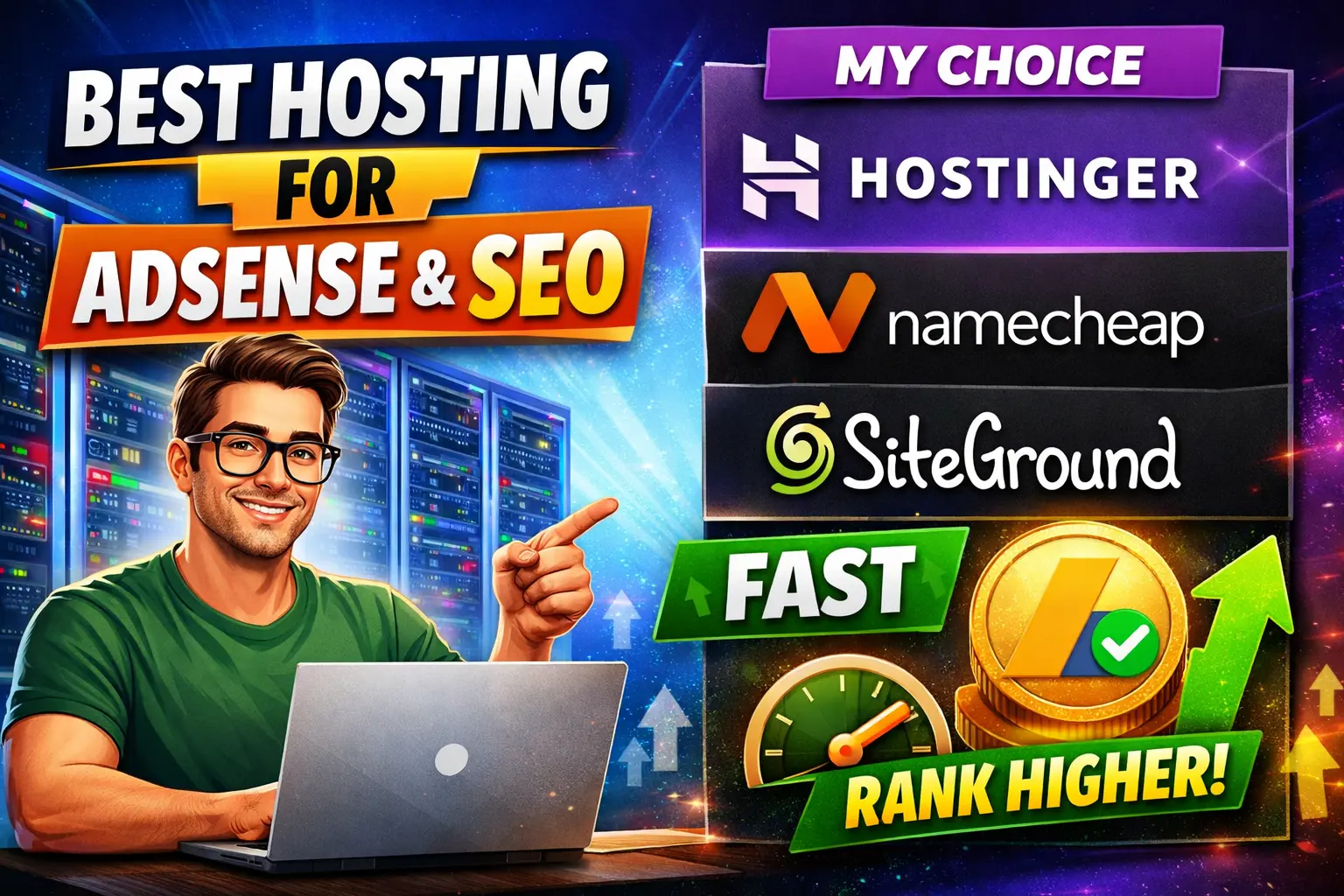
I have been using Hostinger for several years.
This is not a sponsored post.
This is not an affiliate promotion.
I am not forcing anyone.
I am simply sharing my experience.
In my case:
-
I never faced serious downtime
-
Speed has been consistent
-
Support is available 24/7
-
AdSense approval and ranking were never affected due to hosting
Whenever I had issues, they were my own SEO or content mistakes — not server problems.
Comparison Table – Popular Hosting Options
| Feature |
Hostinger |
Namecheap |
SiteGround |
| Pricing |
Affordable |
Affordable |
Expensive |
| Speed |
Good |
Average to Good |
Very Good |
| Support |
24/7 Live Chat |
24/7 |
Strong Support |
| Beginner Friendly |
Yes |
Yes |
Yes |
| Free SSL |
Yes |
Yes |
Yes |
| Best For |
Budget bloggers |
Domain + basic hosting |
Premium performance |
Hostinger – Pros and Cons
✅ Pros
❌ Cons
-
Renewal price higher than first year
-
Basic plan has limited resources
-
Advanced features require higher plans
Namecheap – Pros and Cons
✅ Pros
-
Cheap starting price
-
Free SSL
-
Easy domain management
-
Simple interface
❌ Cons
SiteGround – Pros and Cons
✅ Pros
❌ Cons
-
Expensive for beginners
-
Renewal cost is high
Benefits of Choosing Good Hosting
-
Faster website loading
-
Better user experience
-
Higher chances of ranking
-
Fewer technical errors
-
Stable AdSense performance
-
Lower bounce rate
-
Better trust signal for search engines
Common Mistakes Beginners Make
-
Choosing the cheapest hosting without checking performance
-
Ignoring uptime percentage
-
Using too many heavy plugins
-
Not optimizing images
-
Not enabling caching
-
Buying hosting without checking renewal cost
-
Thinking hosting alone will guarantee AdSense
Remember:
Hosting supports SEO, but content wins SEO.
Important Reality Check
Even if you buy the best hosting:
-
If your content is copied → AdSense rejection
-
If your site has policy violations → Rejection
-
If your content is low value → Rejection
-
If your structure is poor → Ranking issues
Hosting removes technical barriers — it does not fix content problems.
My Honest Recommendation
If you are a beginner with a low budget:
You can start with a budget-friendly hosting like Hostinger.
If you want premium performance and have a higher budget:
You can consider SiteGround.
If you want simple hosting + domain together:
Namecheap is also an option.
But always remember:
Hosting is your base.
Content is your weapon.
Consistency is your strategy.
FAQs
1. Does hosting really affect AdSense approval?
Yes, indirectly. Hosting affects website speed, uptime, and user experience. If your website is slow or frequently down, it can hurt your chances of approval. However, hosting alone does not guarantee AdSense approval. You must also meet content and policy requirements.
2. Which hosting is best for beginners with low budget?
For beginners with limited budget, Hostinger and Namecheap are affordable options. They offer basic features, free SSL, and decent performance for starting a blog.
3. Is expensive hosting necessary for SEO?
Not always. Expensive hosting gives better performance and stability, but beginners can start with budget hosting. What matters most is speed, uptime, and proper optimization.
4. Can slow hosting cause ranking problems?
Yes. Slow hosting increases page load time, which increases bounce rate. Search engines prefer fast websites, so poor hosting can negatively affect rankings.
5. How much uptime should a hosting provider offer?
Look for at least 99.9% uptime. Frequent downtime can stop search engines from crawling your site properly.
6. Does server location matter for SEO?
Yes. If your target audience is in a specific country, choosing a server close to that region can improve loading speed and user experience.
7. Can I get AdSense approval on shared hosting?
Yes, you can. Many bloggers get AdSense approval on shared hosting. The key factors are original content, proper structure, and policy compliance.
8. Is free hosting good for AdSense?
Free hosting is not recommended for serious blogging. It usually has limited control, slower performance, and lower credibility.
9. Should I start with Blogger or WordPress?
If you have zero budget, you can start with Blogger. But if you are serious about long-term blogging, WordPress with good hosting gives you more control and growth opportunities.